
Turn a selfie into 3D, anime, pixel-art, clay, and 5 more styles
or drop here · JPG, PNG, WebP — up to 10 MB
Upload a file to start
Works best on clear close-up portraits. Face must be visible.
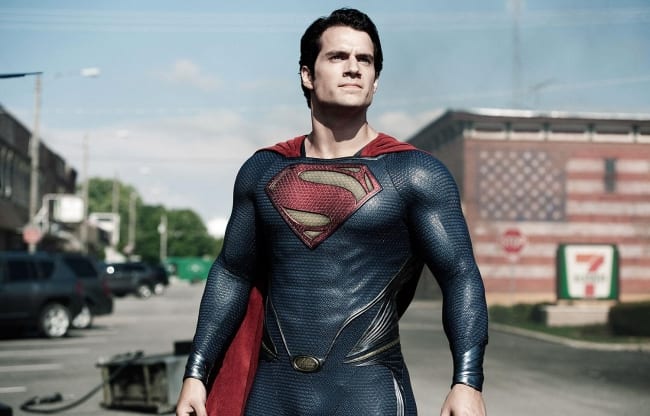
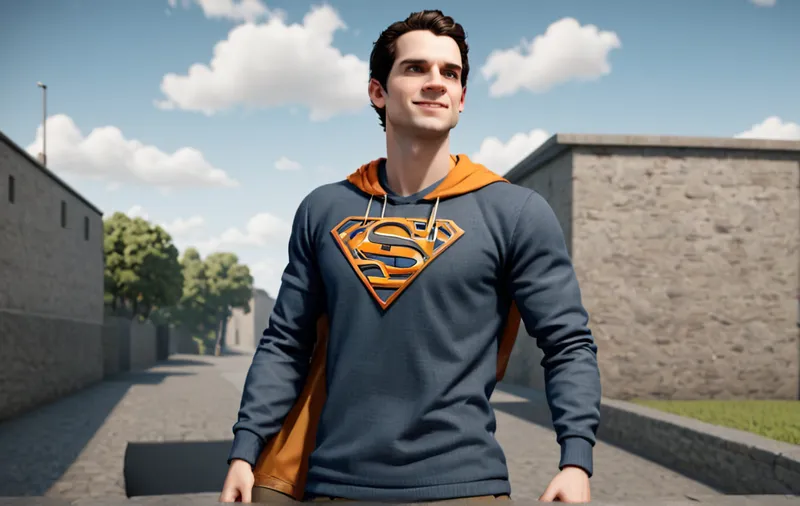
Turn a selfie or portrait into a stylized version of itself — 3D Pixar-like, anime, pixel art, claymation, and more. ImageSuite runs face-to-many (fofr/face-to-many on Replicate), which preserves your facial identity while reshaping the rendering style. Useful for profile pictures, avatars, and gifts.
Cartoonify is a Pro feature ($9/mo flat).
Best with a clear, well-lit face occupying most of the frame. Sunglasses and side-angles reduce identity preservation.
Pixar 3D, anime, pixel art, claymation, illustration, and more. Each pass takes 10–30 seconds.
face-to-many (fofr/face-to-many on Replicate). It conditions on a face image and renders it in the requested style.
It preserves the structure of your face — proportions, expression, hair shape — while the style replaces texture and shading. Identity preservation is better than text-to-image, but stylization is by nature an interpretation.
face-to-many emphasizes the face. Full-body works but the body may render less recognizably than the face.